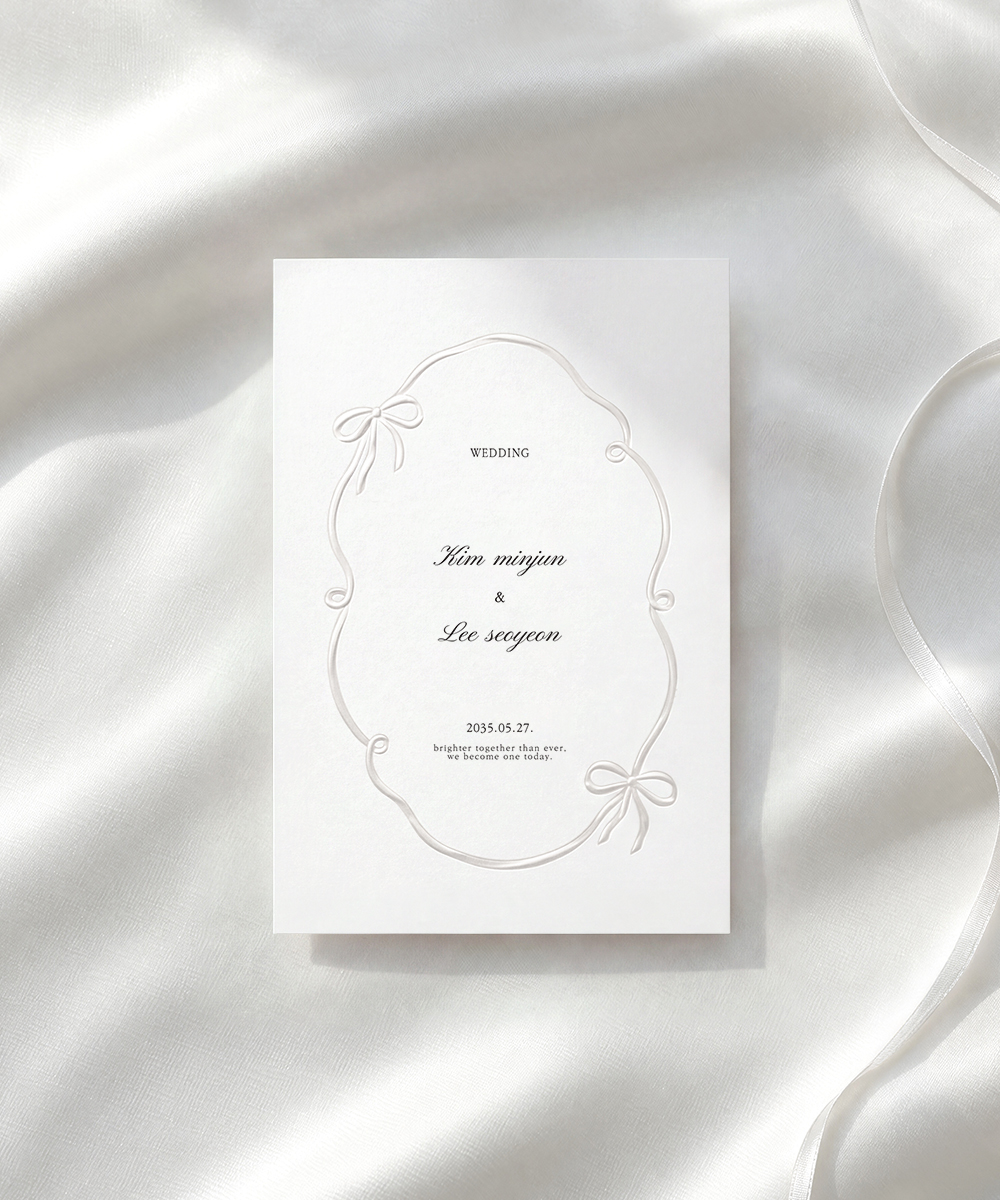
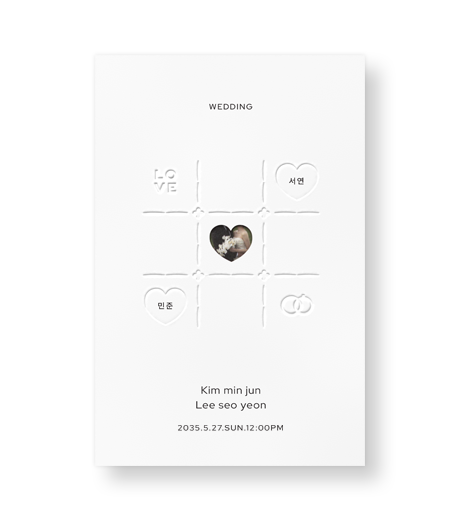
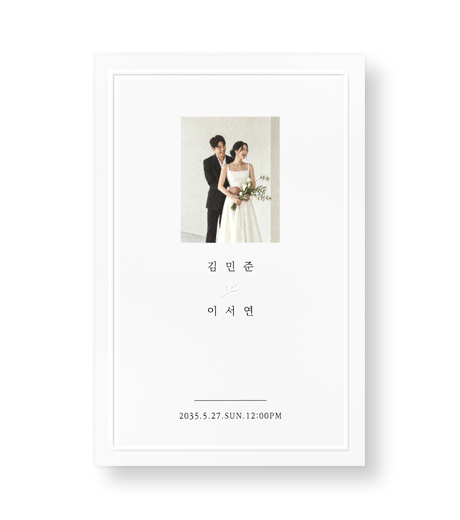
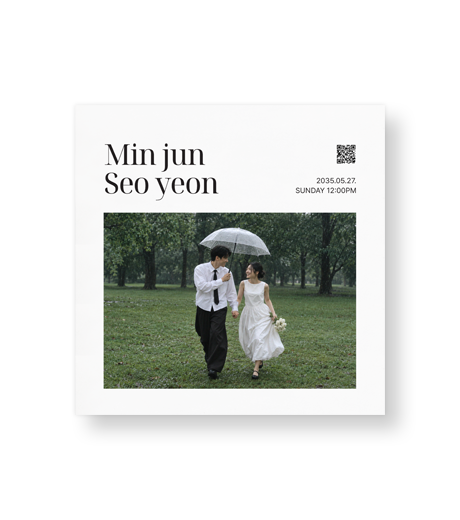
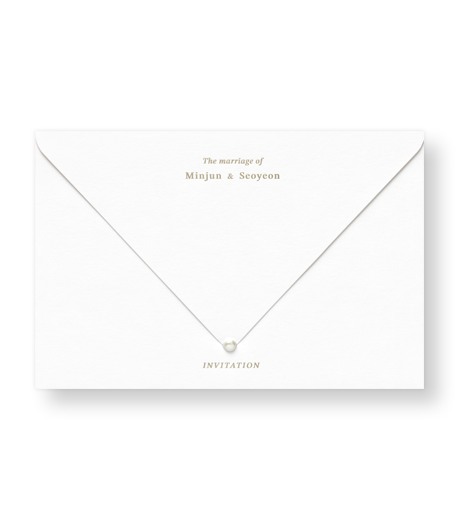
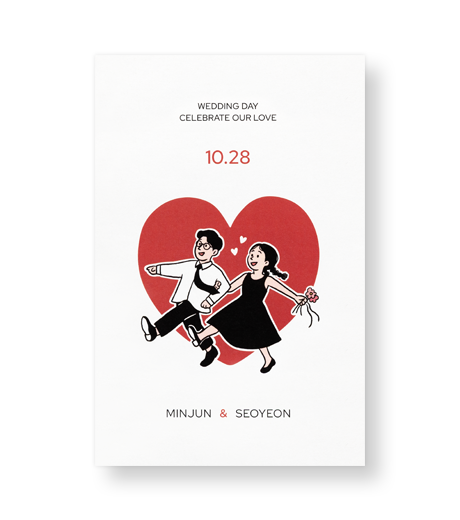
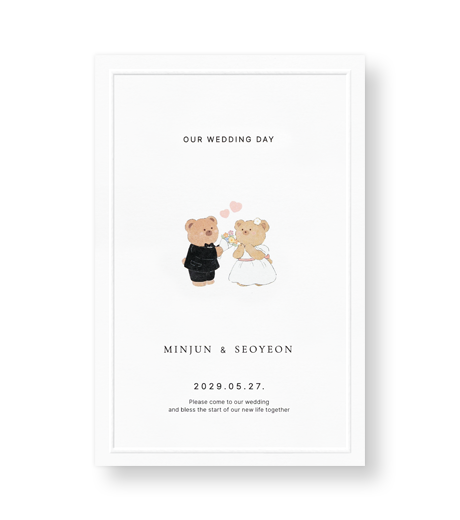
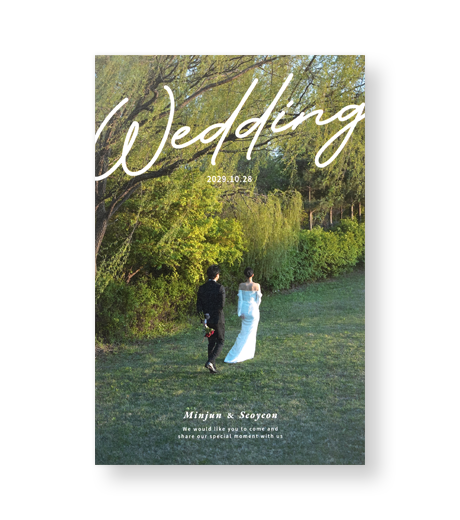
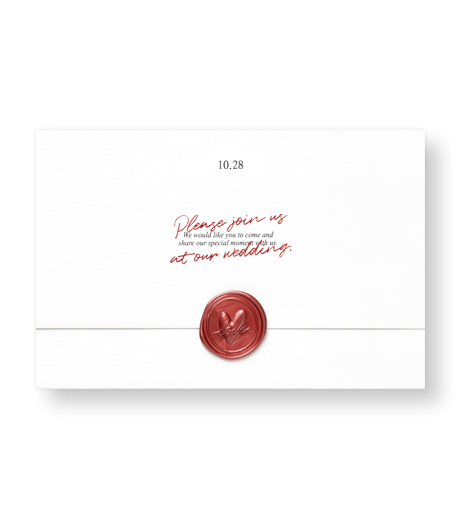
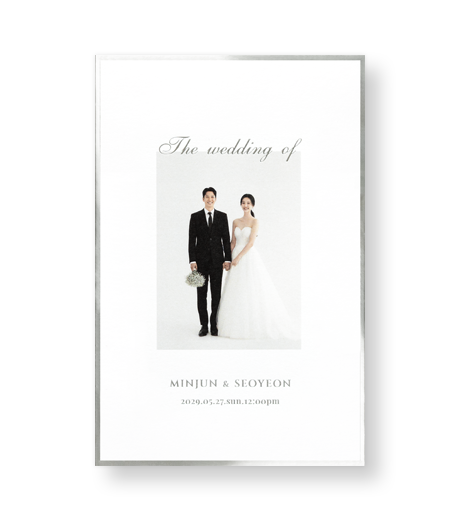
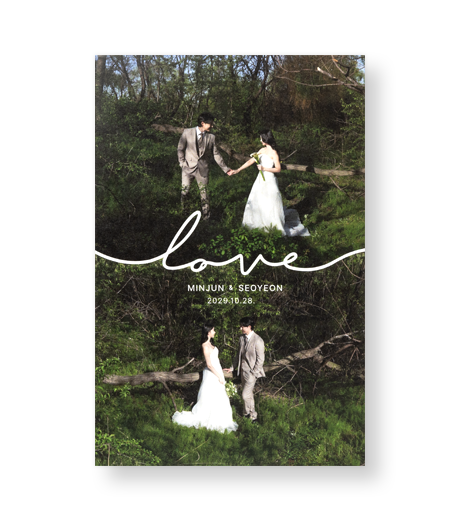
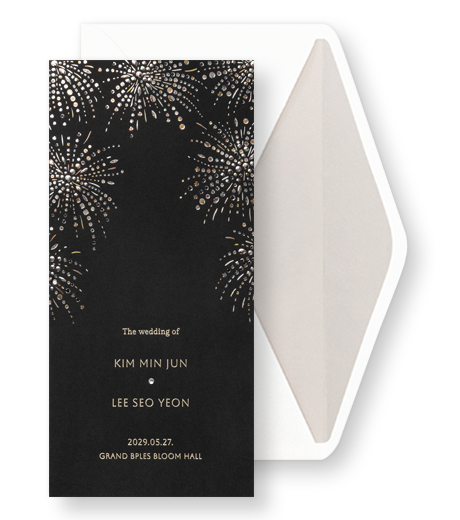
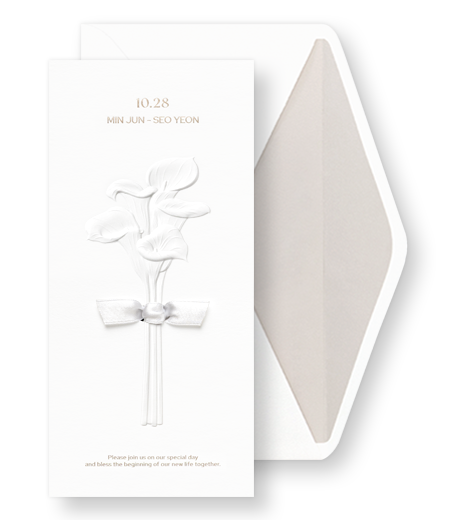
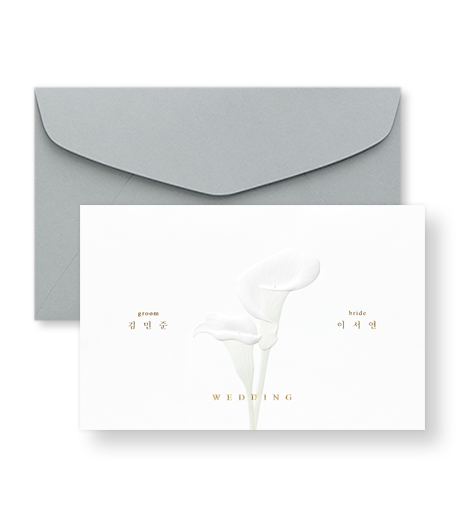
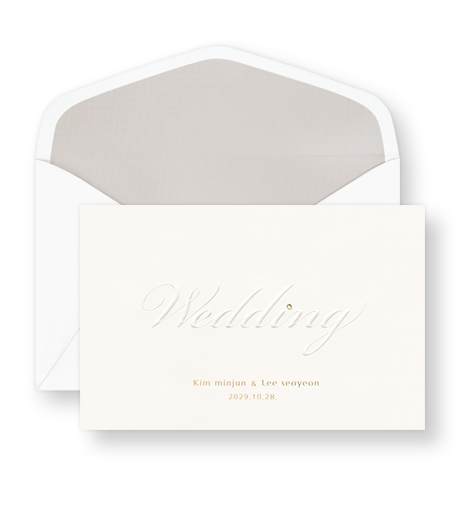
2027 연하장
새해 인사,
한 장에 담아 보내세요.
소량 1부부터 · 회사 인쇄 50부부터
연하장 보러 가기 →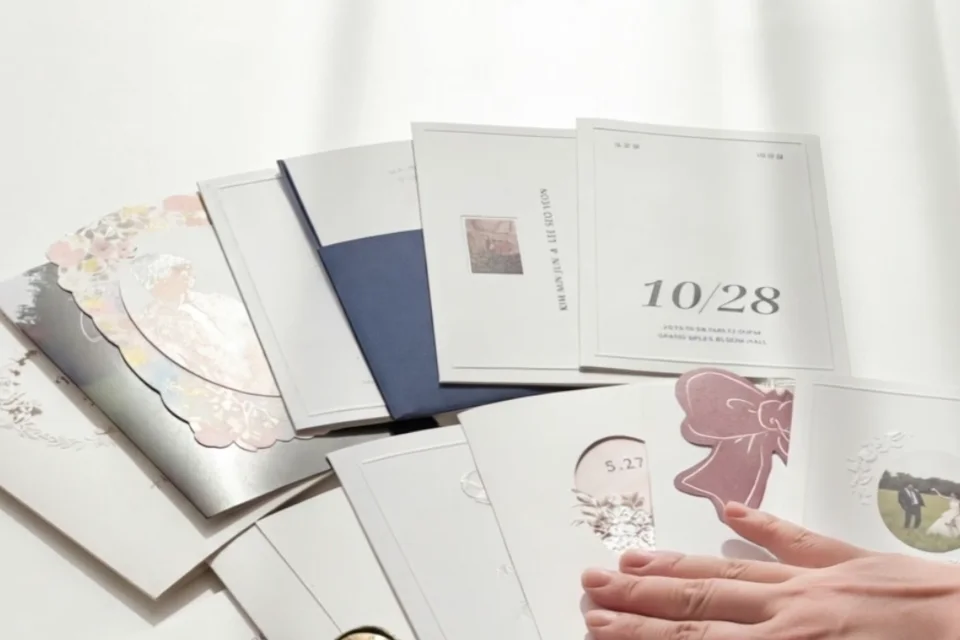
종이·인쇄를 실물로 확인하세요.
참여 조건 충족 시, 구매 금액별 최대 5만 원 할인쿠폰
마음을 전하세요
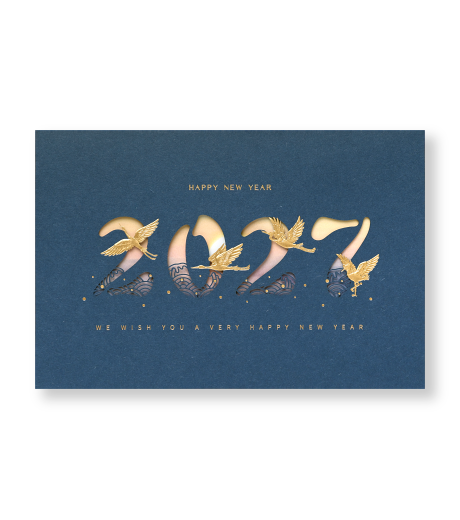
50 copies ₩125,000
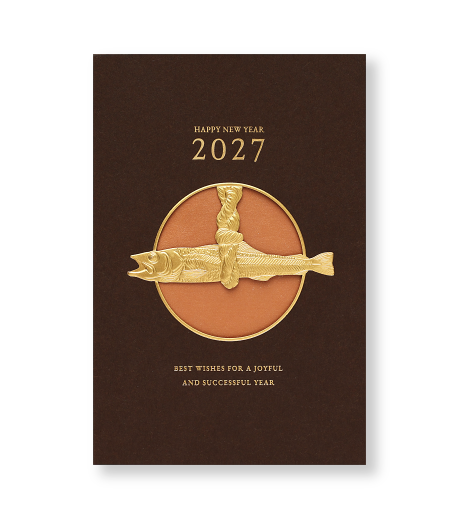
50 copies ₩125,000
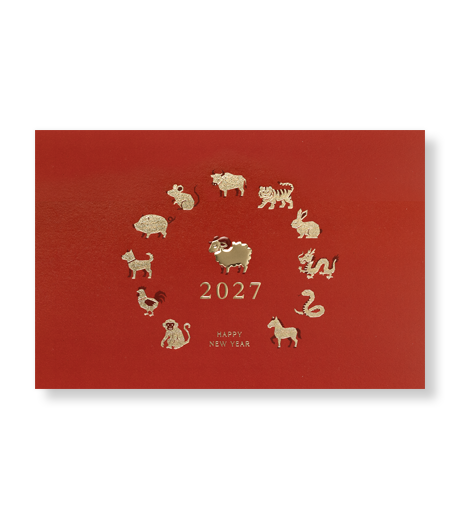
50 copies ₩105,000
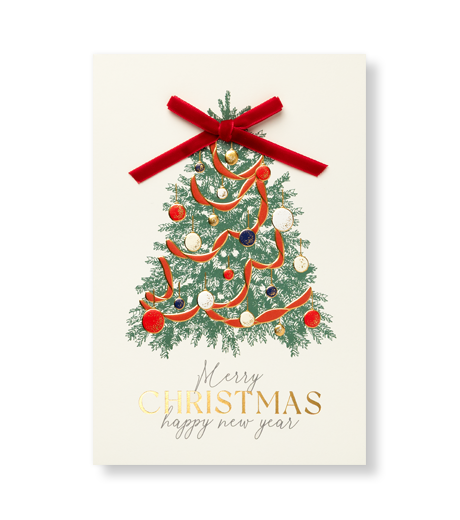
50 copies ₩100,000
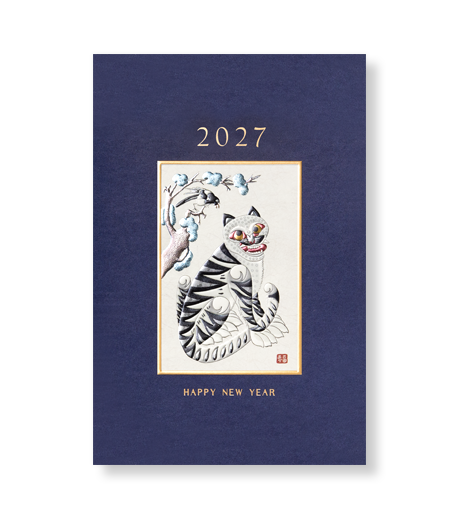
50 copies ₩105,000
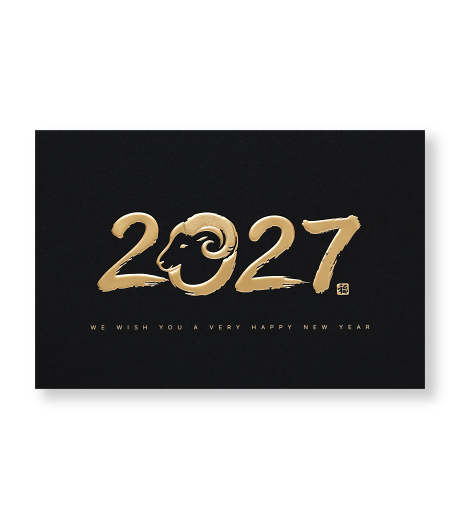
50 copies ₩115,000
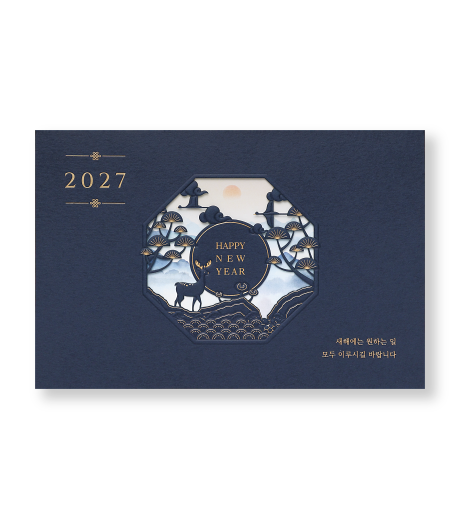
50 copies ₩125,000
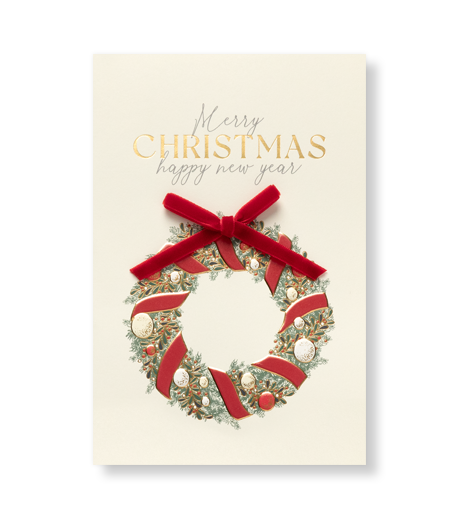
50 copies ₩100,000
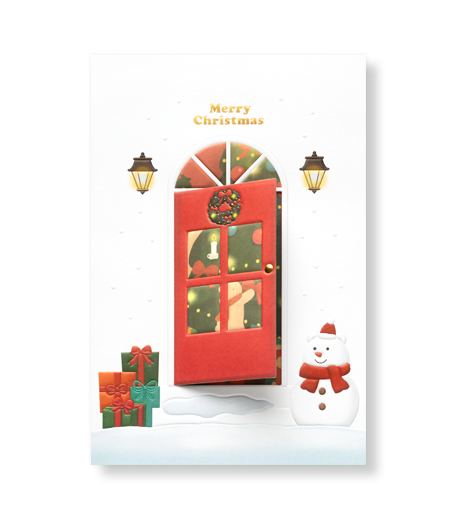
50 copies ₩115,000
Most-loved designs
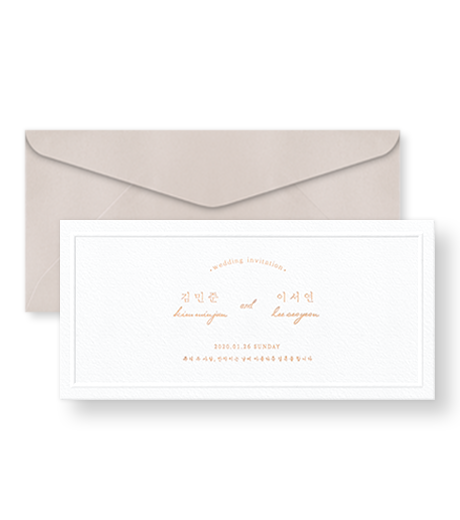
50 copies approx. CN¥446.07
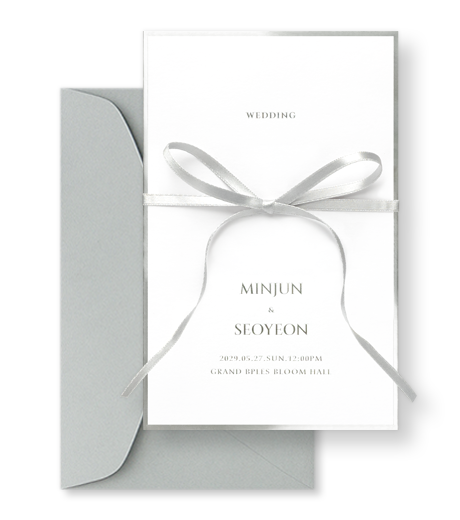
50 copies approx. CN¥446.07
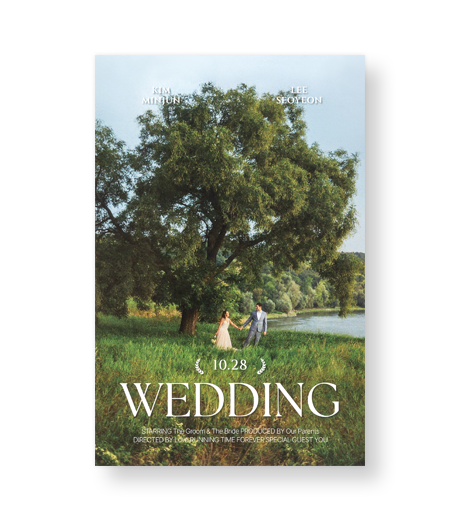
50 copies approx. CN¥209.91
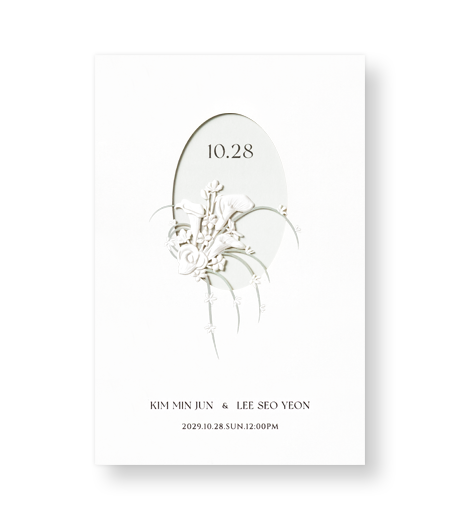
50 copies approx. CN¥288.63
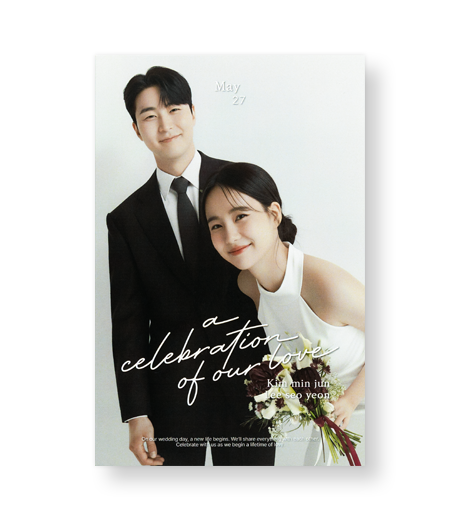
50 copies approx. CN¥209.91
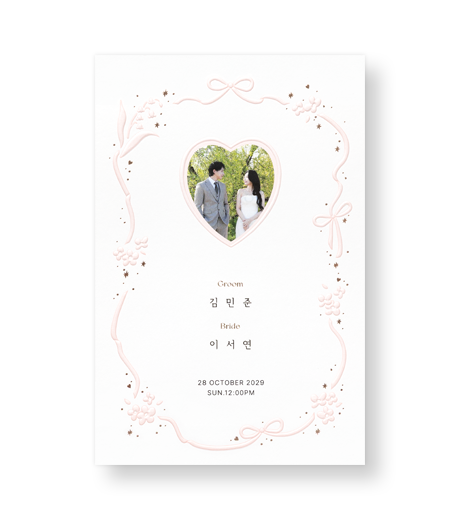
50 copies approx. CN¥314.87
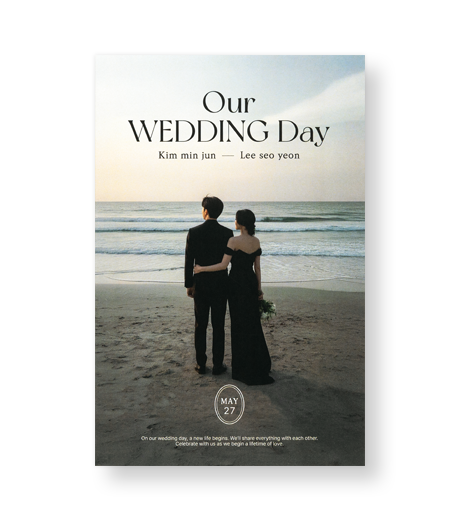
50 copies approx. CN¥209.91
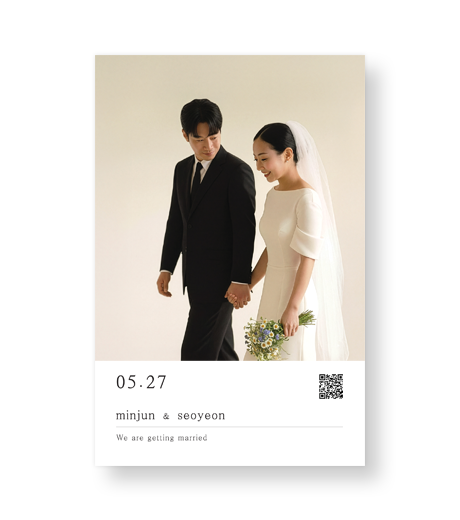
50 copies approx. CN¥209.91
디자인 고르고 바로 편집
Edit photos and text yourself, leave the tricky editing to a designer, and let Bojagi Card handle printing and finishing.
사진·문구는 직접, 완성은 전문가와.

사진과 문구를 직접 편집하세요.
횟수 제한 없이 무료 편집과
약도 제작을 지원합니다.
50부 이상 주문 시 편집비 무료
인쇄·후가공·검수까지 함께합니다.

청첩장 주문·결제 완료 고객 전용 파티룸.
신청 후 선정 시 이용료 무료 · 1인 1회

회원가입 시 예식일까지 무료
청첩장 10부 이상 주문 시
모바일 웨딩영상 1편 무료
청첩장을 고른 뒤 필요한 옵션과 제작 서비스, 진행 중인 이벤트를 확인할 수 있습니다.
이벤트·옵션·유료 서비스를 확인하세요.
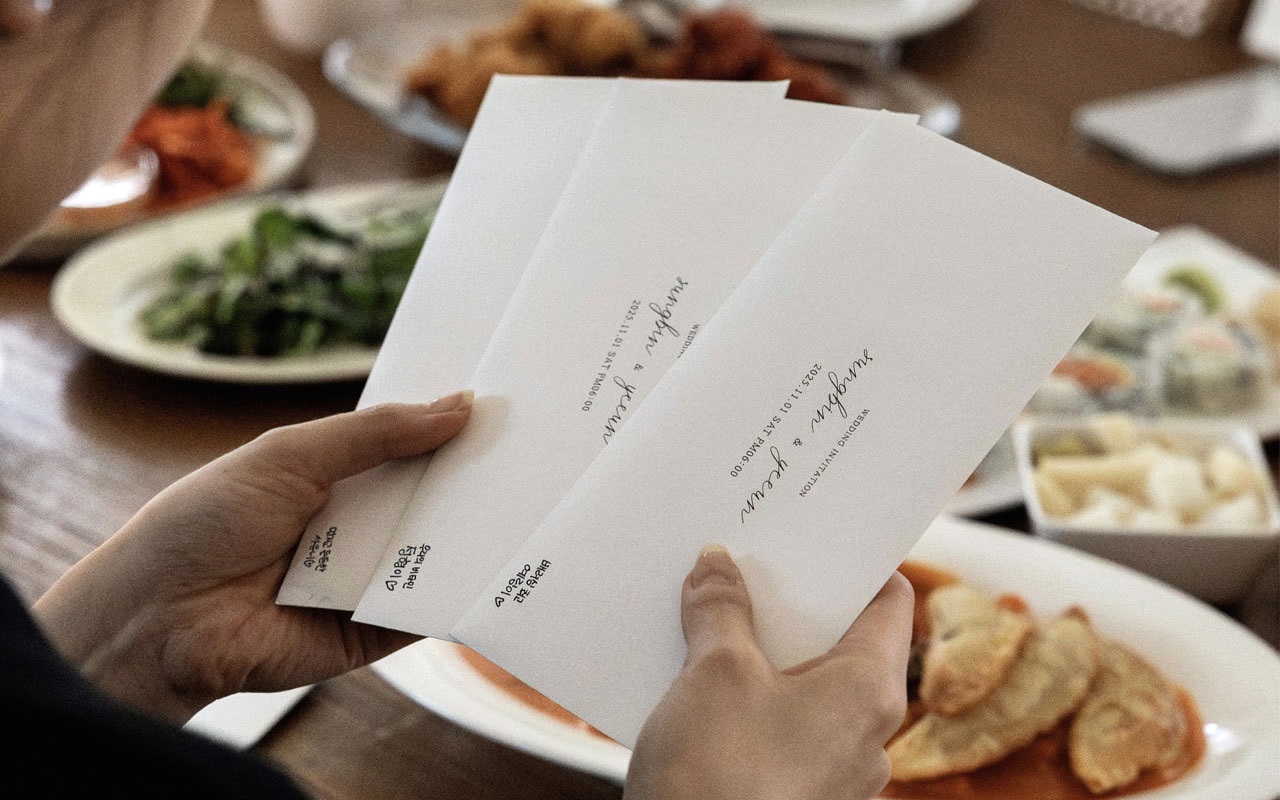
We create special moments with the people you love.
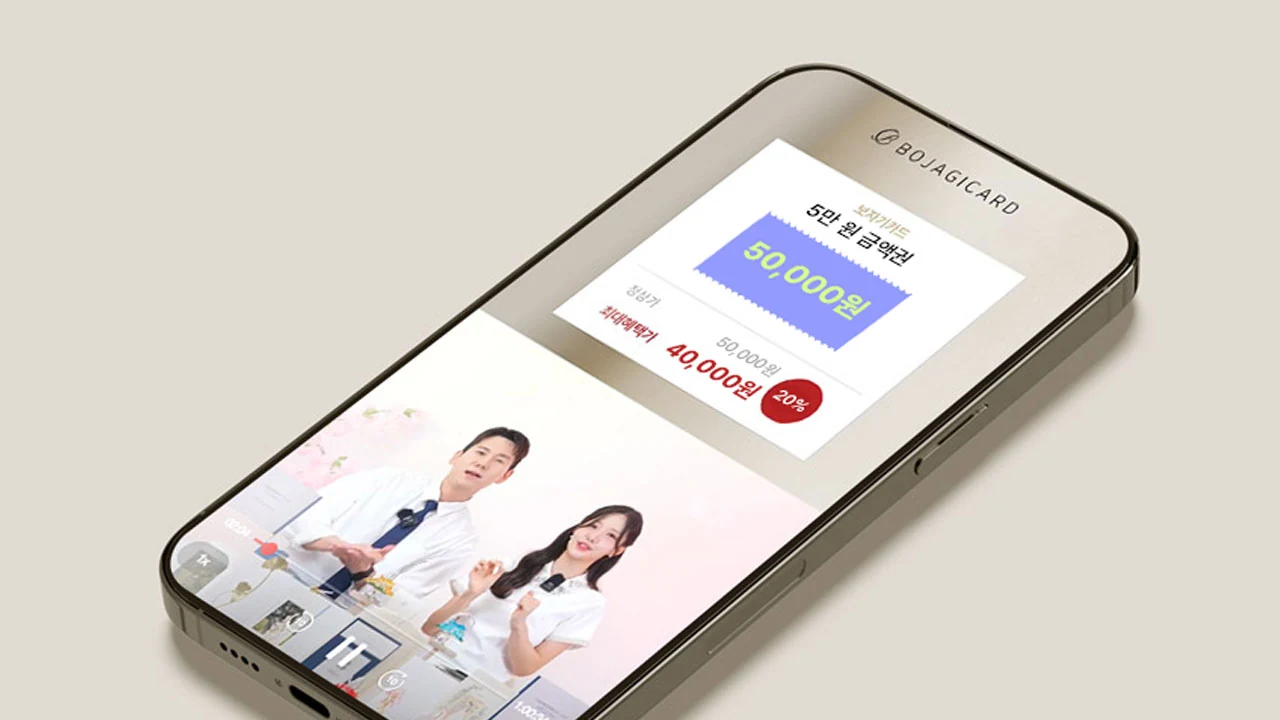
Enjoy Bojagi Card’s best offers for just 1 hour!
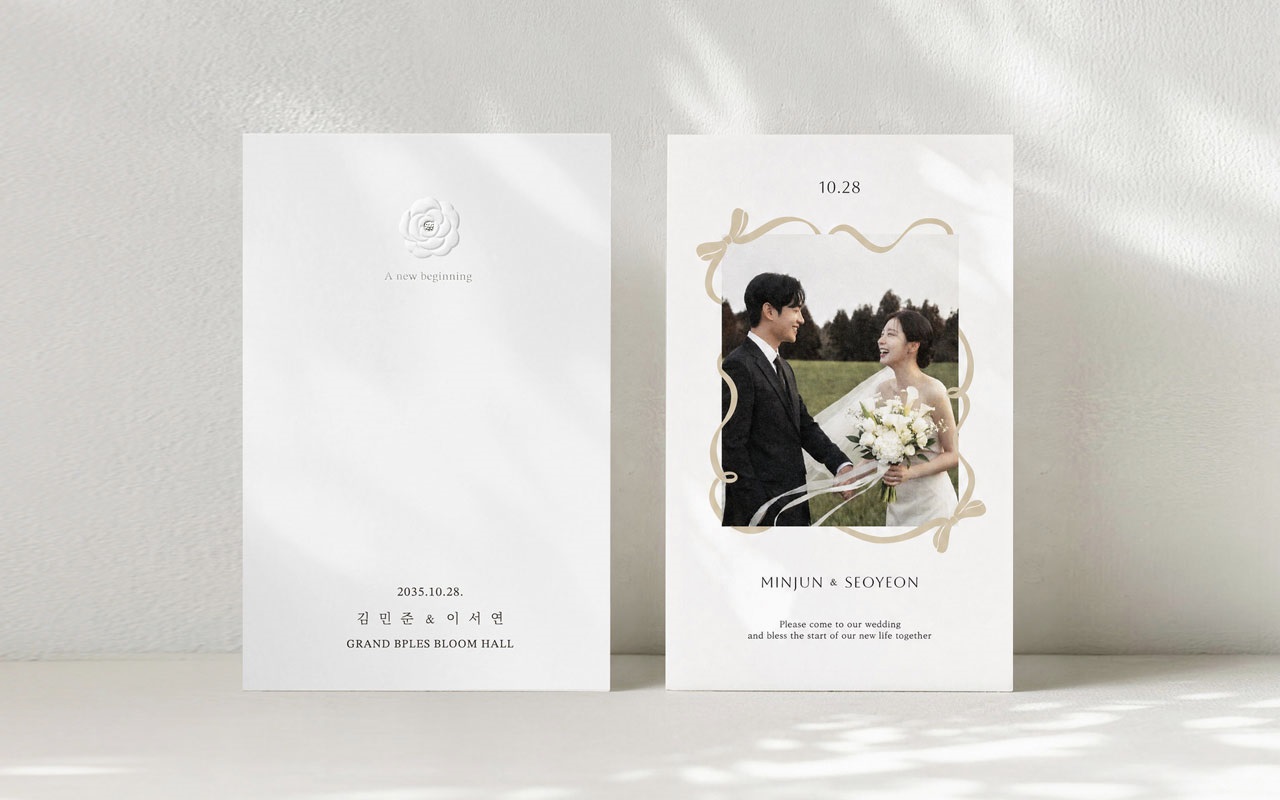
Discount coupon for joining
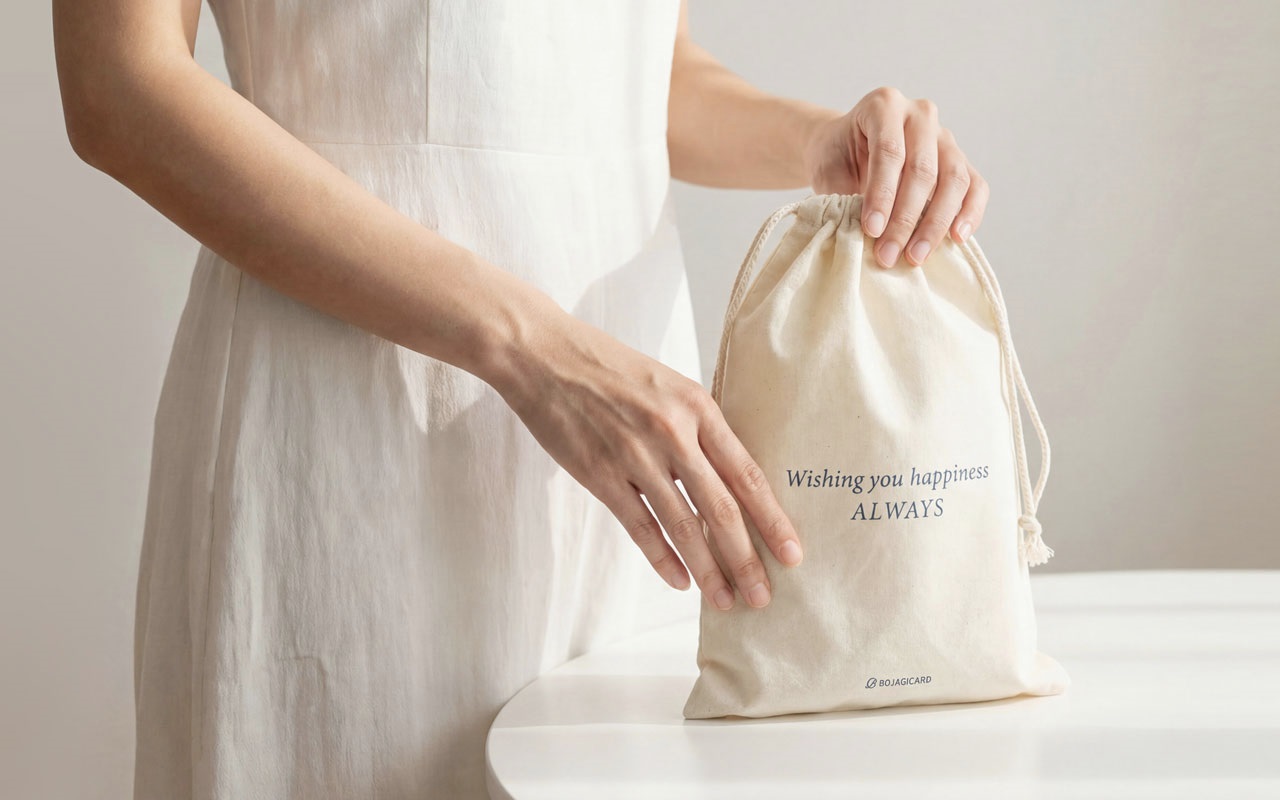
Take part to receive discount coupons based on your purchase amount
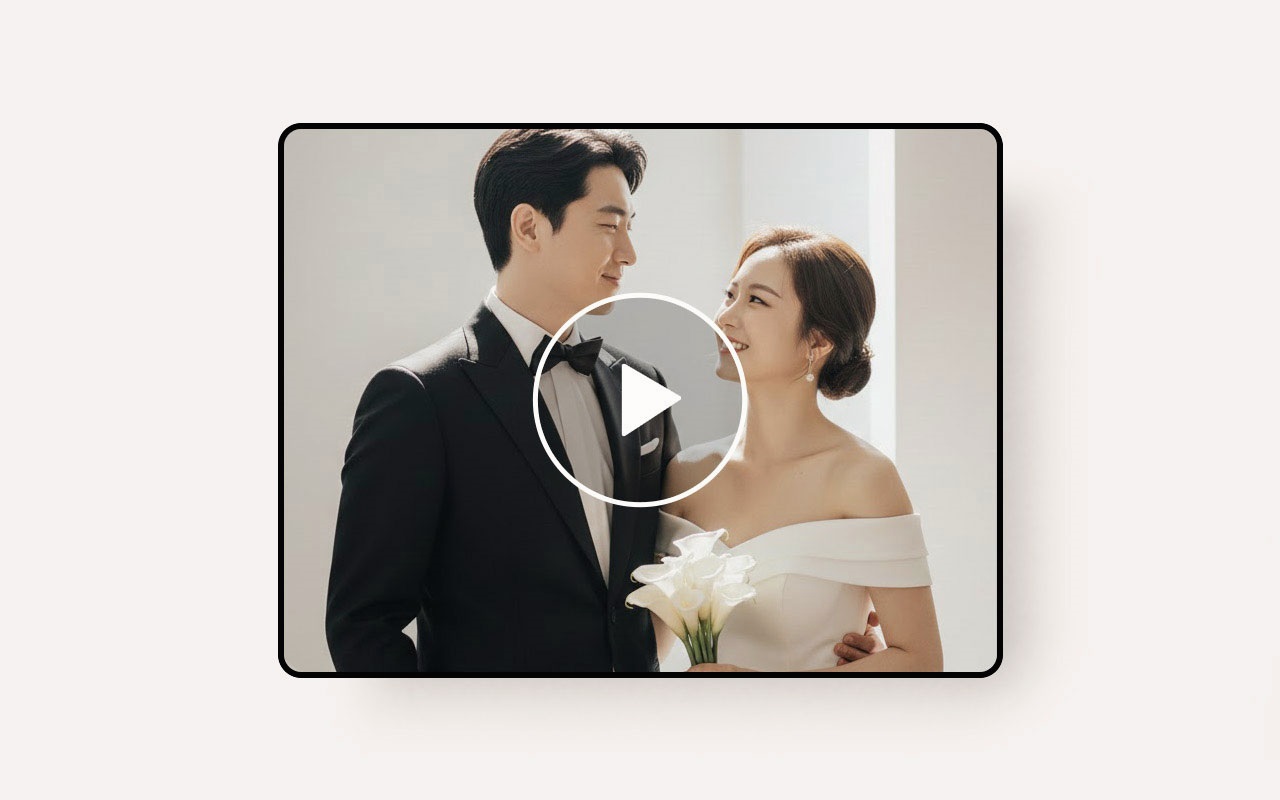
Gift for customers who order 100 or more wedding invitations (optional)
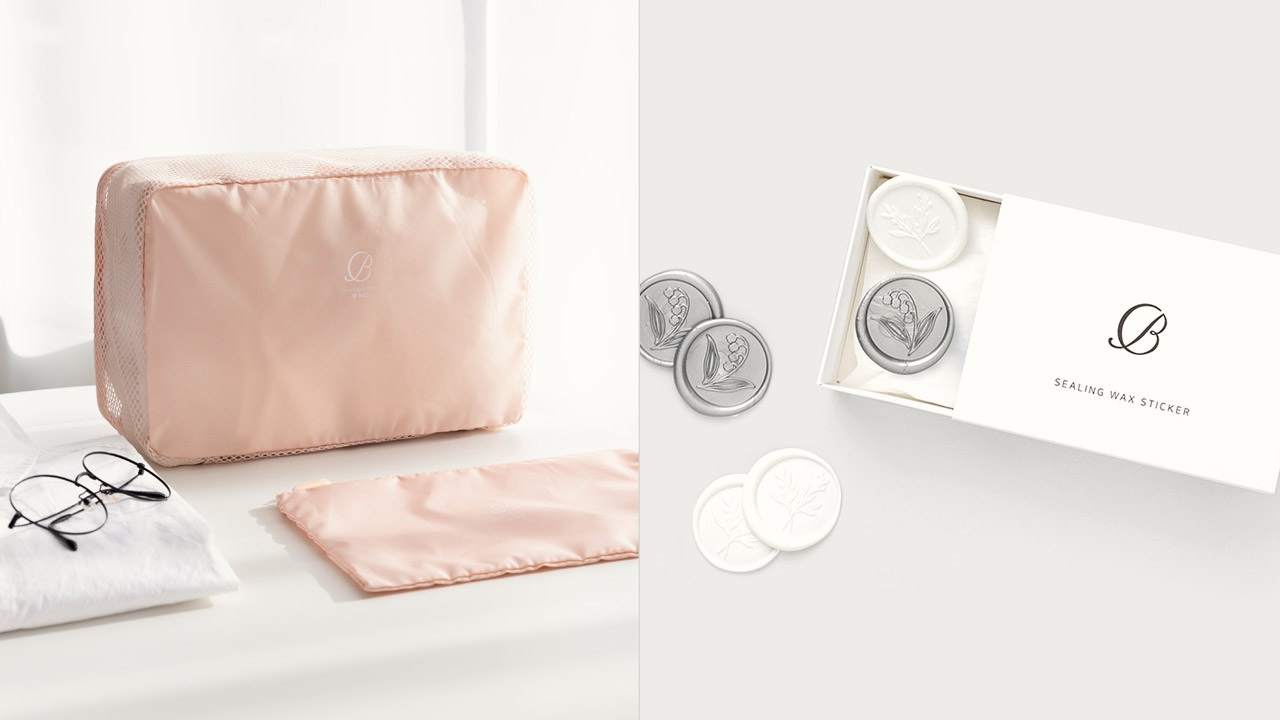
Honeymoon pouch or sealing wax sticker gift for joining
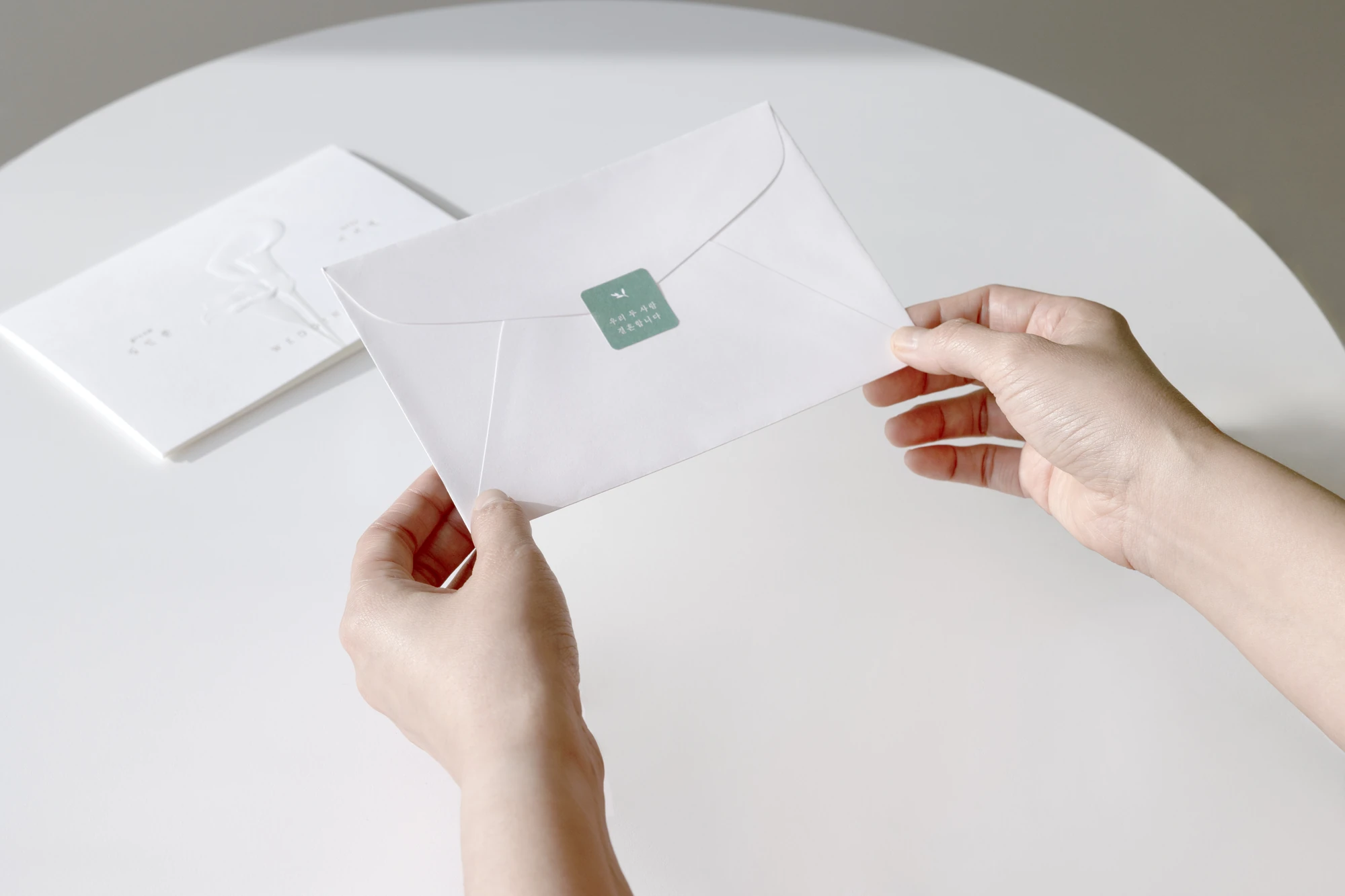
Finish the envelope neatly with a sticker that matches your invitation.
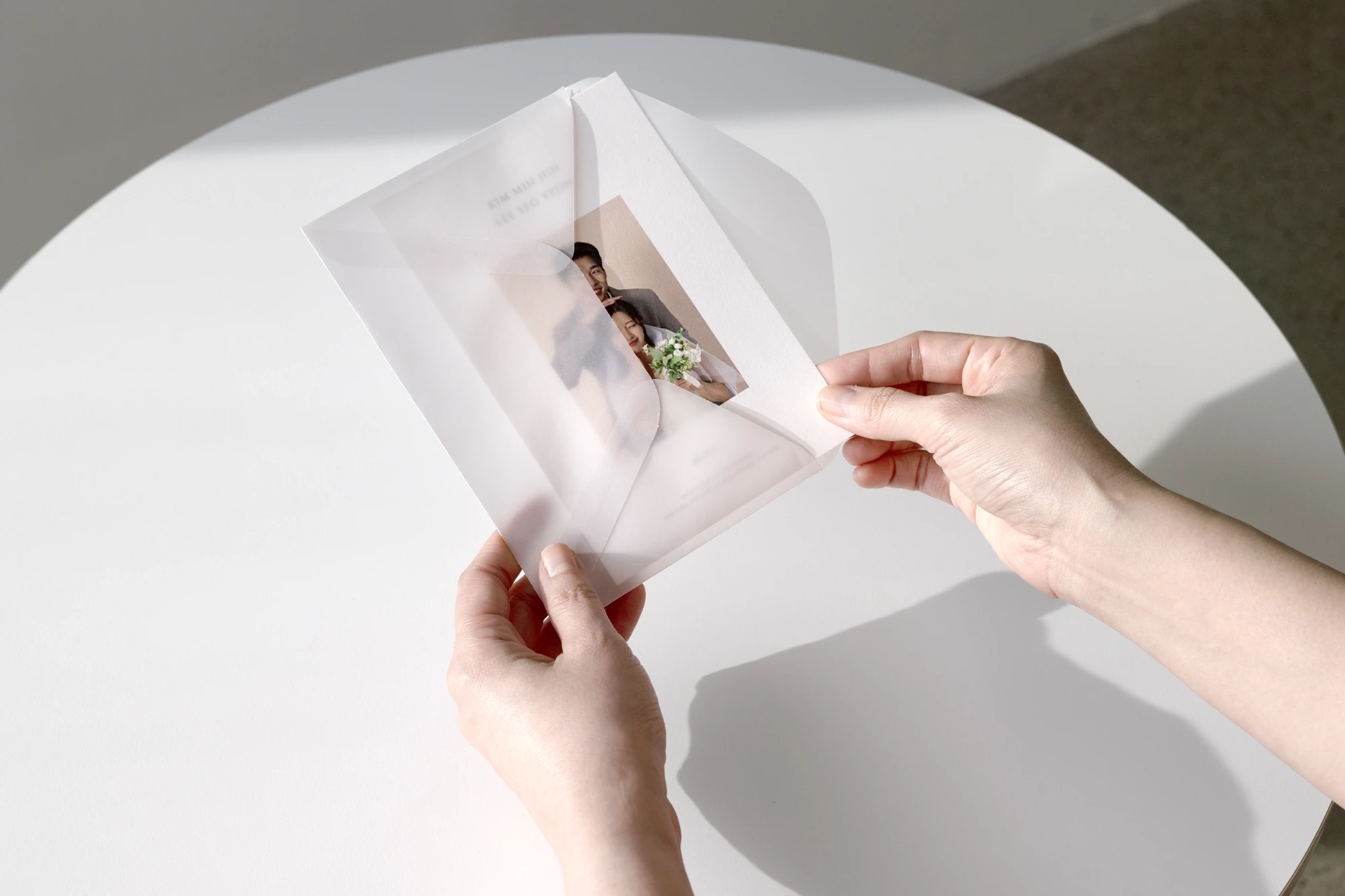
A sheer, translucent envelope that shows the card design before it’s opened.
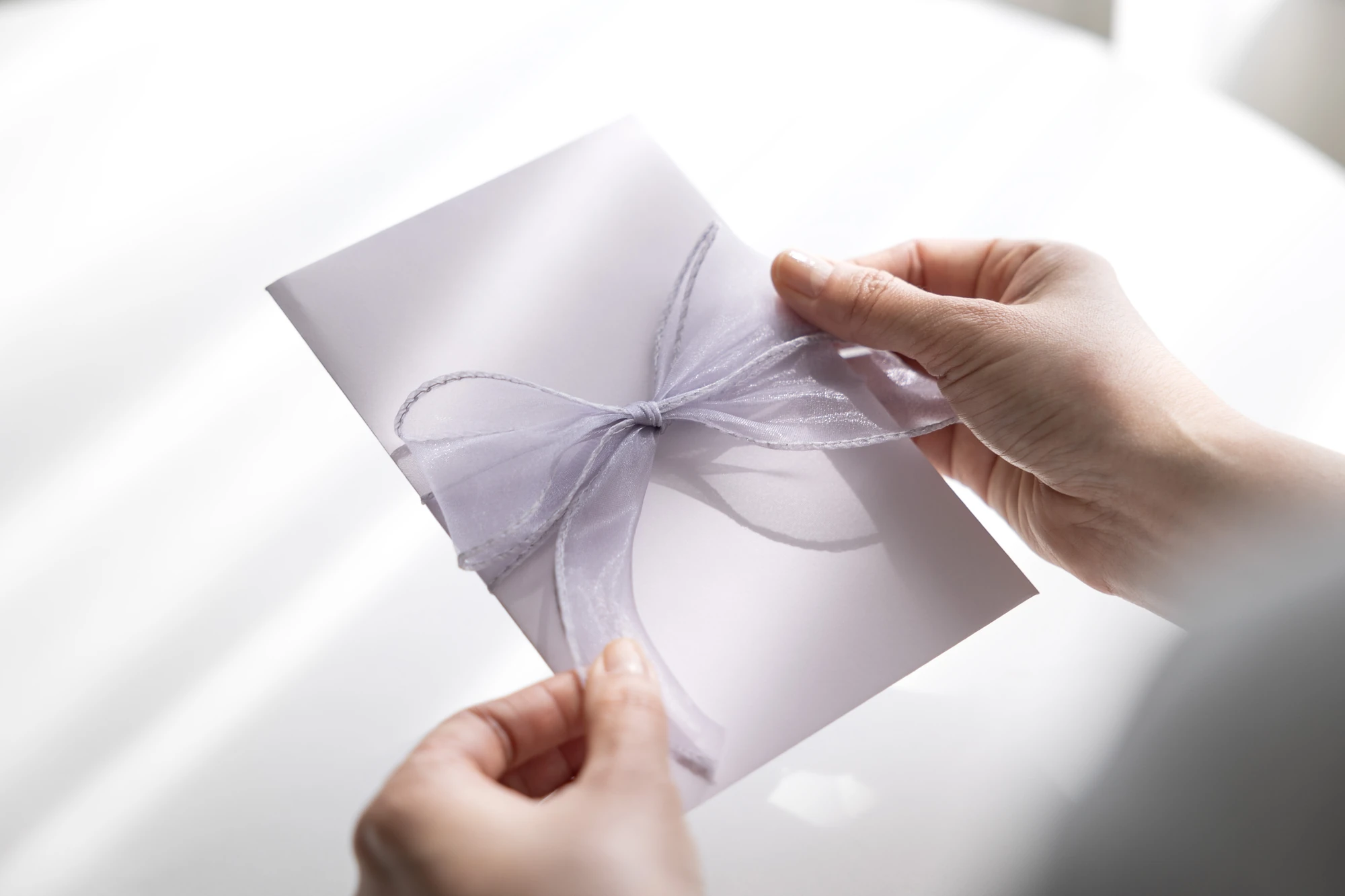
A ribbon wrapped around the invitation adds dimension.
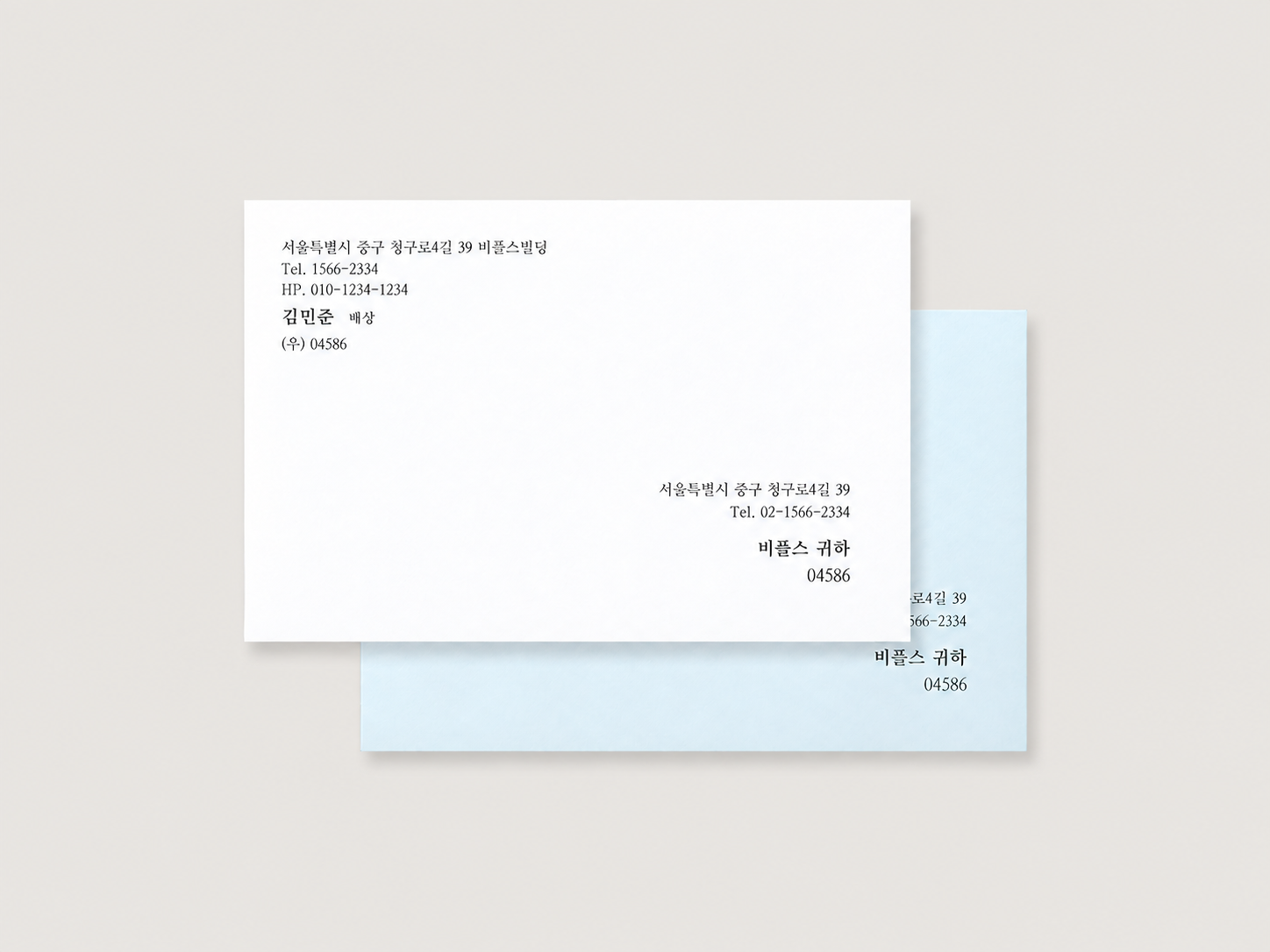
We print the recipient’s name and address neatly on the envelope.
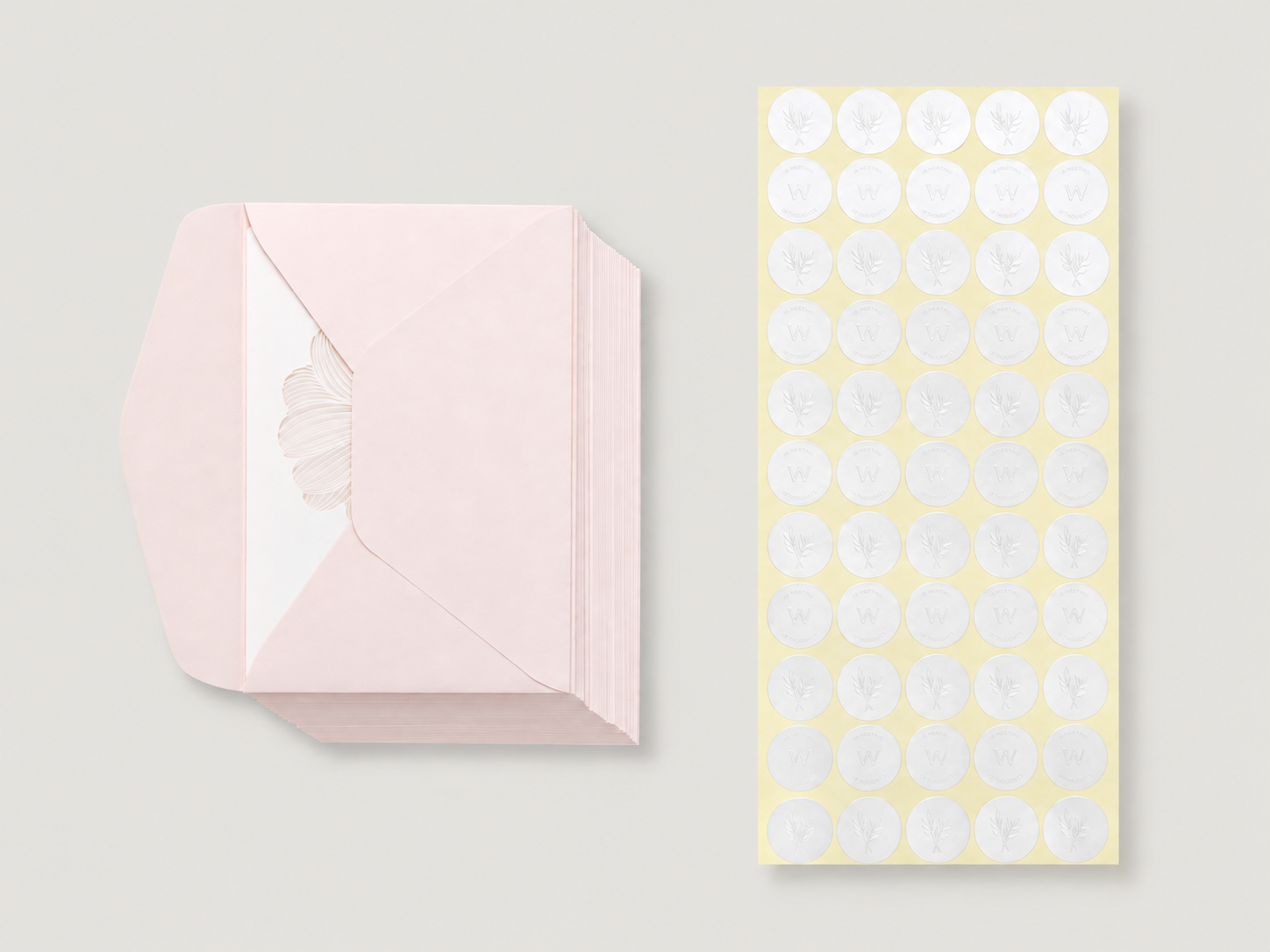
Leave envelope sealing and card assembly to us and save preparation time.
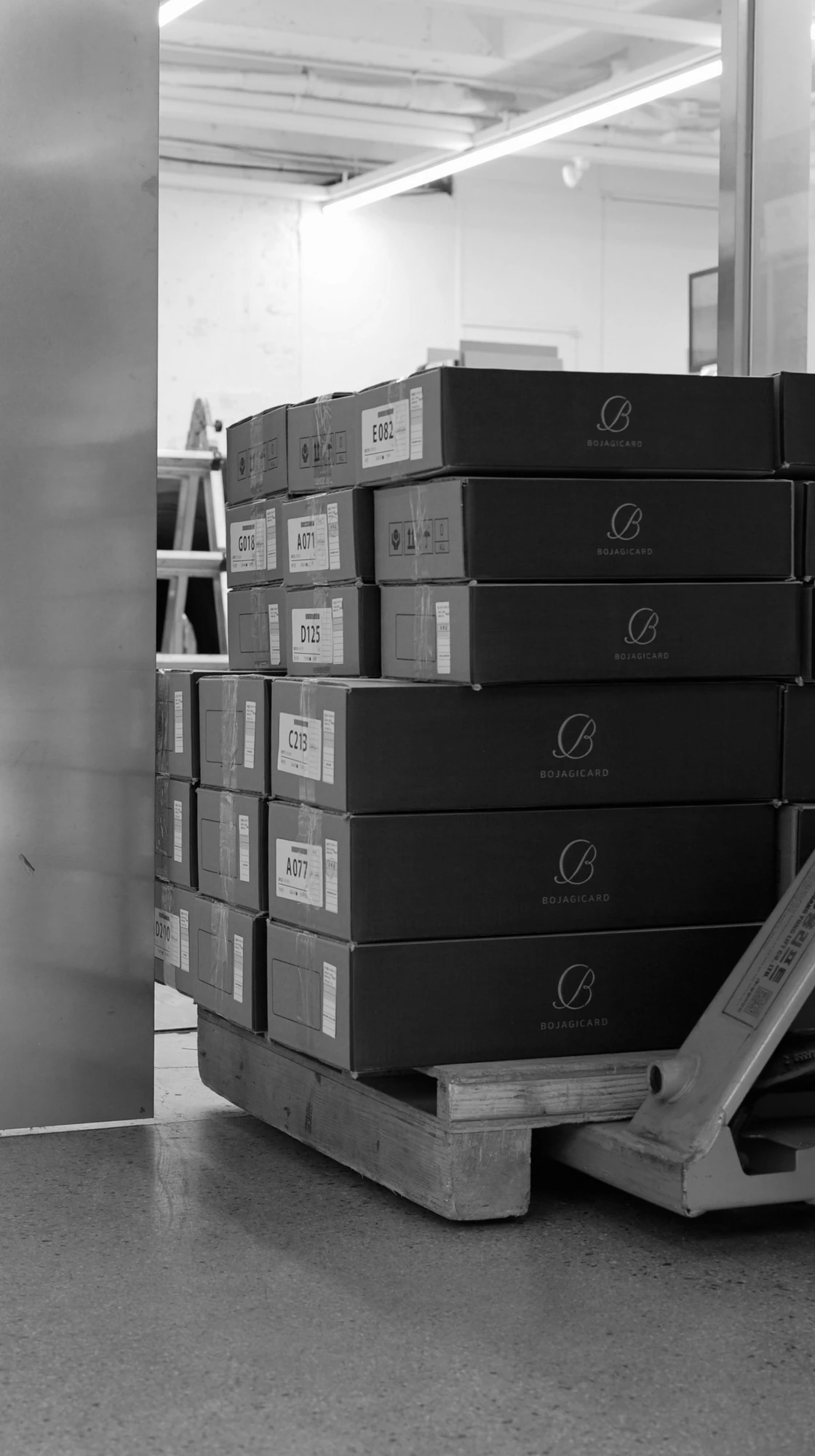
If your wedding date is tight, we move the production schedule up.
인쇄·색상 조정·검수 과정을 확인하세요.

Checking the first print run

Offset print colour adjustment

Print quality check
평일 오전 9시 ~ 오후 5시 30분 / 토요일 오전 9시 ~ 오후 12시